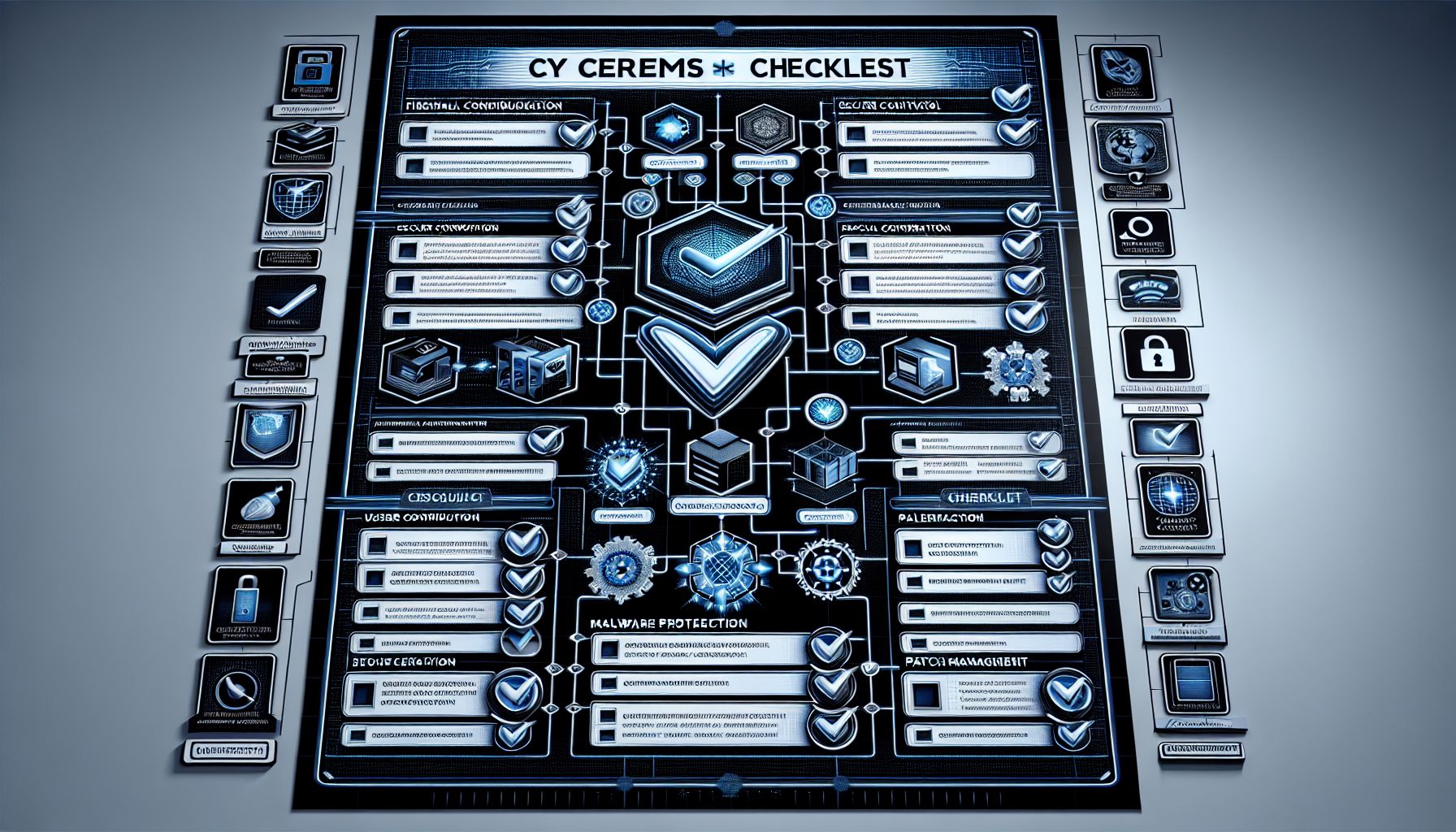
In today’s digital age, protecting your organization from cyber threats is critical. Achieving Cyber Essentials Plus certification can help. This certification demonstrates your commitment to cybersecurity. A solid Cyber Essentials Plus checklist assists businesses in preparing for certification. This article outlines that checklist for you.
What is Cyber Essentials Plus?
Cyber Essentials Plus is a certification scheme developed by the UK Government. It aims to help organizations guard against common cyber threats. There are two levels of this certification: Cyber Essentials and Cyber Essentials Plus. The Plus level involves a rigorous assessment done by an external certifying body. Successfully achieving Cyber Essentials Plus shows that your organization meets high cybersecurity standards.
Why Use a Cyber Essentials Plus Checklist?
A Cyber Essentials Plus checklist ensures that you’ve covered all necessary areas. It provides clear guidance on what needs to be done. Following this checklist streamlines the preparation process. It minimizes the risk of oversight, enhancing your chances of successfully achieving certification.
Key Components of the Cyber Essentials Plus Checklist
Understanding the main components of the Cyber Essentials Plus checklist is crucial. Below are the core areas to assess:
1. Inventory of Devices
Start by listing all devices connected to your network. This includes computers, servers, smartphones, and tablets. Understanding what equipment you have helps manage security effectively.
Example:
- Desktops: 15
- Laptops: 10
- Servers: 5
- Mobile Devices: 20
2. Secure Configuration
Regularly review and ensure that devices are securely configured. Set strong passwords and remove any unnecessary software. Disable services that are not required. A secure configuration reduces vulnerabilities.
Action Items:
- Change default passwords on all devices.
- Uninstall unused applications.
- Disable services that are not in use.
3. User Access Control
Limit user access rights to essential levels. Each employee should only have access to the data necessary for their role. This helps protect sensitive information from unauthorized access.
Steps:
- Review access rights every six months.
- Implement role-based access controls.
- Remove access rights for employees who leave the organization.
4. Malware Protection
Install and maintain anti-malware software on all devices. Keep the software updated to protect against the latest threats. Schedule regular scans to identify and remove any existing malware.
Checklist:
- Install anti-virus software on all devices.
- Update anti-virus definitions weekly.
- Perform full system scans monthly.
5. Patch Management
Regularly apply security updates and patches to all software and systems. Keeping software up to date addresses known vulnerabilities. Develop a patch management schedule to ensure consistency.
Process:
- Identify software that needs updates.
- Test patches in a safe environment before deployment.
- Document all updates and patches applied.
6. Firewalls and Internet Gateways
Use firewalls to protect your internal network from external threats. Configure firewalls to restrict incoming and outgoing traffic appropriately. Regularly review firewall settings to ensure they meet security requirements.
7. Secure Data Transfers
Ensure systems used for data transfers are secure. Use encryption methods for sensitive data sent over the internet. Train staff in secure data handling practices.
Measures:
- Use VPNs for remote access.
- Implement SSL/TLS for web applications.
- Educate employees about secure email practices.
8. Incident Response Plan
Develop a detailed incident response plan. This plan should outline steps to take in the event of a cyber incident. Regularly review and update the plan based on lessons learned from drills or actual incidents.
Key Elements:
- Identify team members responsible for handling incidents.
- Create a communication strategy for internal and external stakeholders.
- Document procedures for reporting breaches.
Additional Considerations
Beyond the key components of the Cyber Essentials Plus checklist, consider these additional elements:
Staff Training
Regular cybersecurity training for employees is crucial. Educate them on recognizing phishing attempts and social engineering attacks. An informed staff is less likely to make mistakes that lead to breaches.
Data Backup Procedures
Establish regular data backup procedures. Ensure backups are stored securely and can be restored easily. Test recovery processes regularly to confirm their effectiveness.
Cyber Insurance
Consider getting cyber insurance to mitigate financial risks associated with cyber incidents. This can provide an additional layer of protection for your organization.
Pros and Cons of Cyber Essentials Plus Certification
Pros
- Improved Security: Achieving Cyber Essentials Plus strengthens your overall cybersecurity posture.
- Increased Trust: Certification builds trust with clients and partners who value data protection.
- Compliance: Helps meet regulatory requirements and industry standards.
Cons
- Cost: There may be initial costs for assessments, training, and infrastructure improvements.
- Time-Consuming: Preparing for certification requires time and dedicated resources.
- Variable Standards: Different certifying bodies may have varying interpretations of standards.
Conclusion
Using a comprehensive Cyber Essentials Plus checklist is essential for organizations aiming to improve their cybersecurity practices. By following the outlined steps above, businesses can secure their systems, protect sensitive data, and enhance their reputation. Start implementing this checklist today. Safeguard your organization against cyber threats.