
In the landscape of Apple device management, Jamf stands out as a popular choice. However, various alternatives exist that may better suit your specific needs. This article evaluates Jamf competitors, examining their features, pros and cons, and how they fit into different organizational requirements.
Understanding Mobile Device Management (MDM)
Mobile Device Management (MDM) helps organizations manage and secure mobile devices. MDM tools enable businesses to deploy applications, enforce policies, and ensure compliance. When evaluating Jamf competitors, consider your organization’s size, industry, and specific features you need.
Popular Jamf Competitors
Several key players in the MDM space can serve as Jamf alternatives. Below are some of the most notable options:
1. Microsoft Intune
Overview
Microsoft Intune is part of Microsoft’s Enterprise Mobility + Security suite. It allows organizations to manage apps on both personal and company-owned devices.
Pros
– Integrates well with other Microsoft services like Office 365.
– Supports a wide range of devices, including Android, iOS, macOS, and Windows.
– Offers extensive security features like conditional access and multi-factor authentication.
Cons
– Setting up Intune can be complex for new users.
– Support for non-Microsoft apps can be limited.
2. VMware Workspace ONE
Overview
VMware Workspace ONE combines MDM and identity management. It provides a unified platform for managing any application on any device.
Pros
– Offers support for a variety of device types and operating systems.
– Strong user experience with a single sign-on feature.
– Provides excellent analytics and reporting capabilities.
Cons
– Higher cost compared to some basic MDM solutions.
– Overall complexity may overwhelm smaller businesses.
3. MobileIron (now Ivanti)
Overview
MobileIron, rebranded as Ivanti, offers comprehensive mobile security and management. It focuses primarily on securing devices and applications.
Pros
– Strong in security features, protecting sensitive data.
– Works well with large enterprises that require detailed compliance controls.
– Supports a wide variety of devices and operating systems.
Cons
– The user interface can be less intuitive.
– The price point may be high for small businesses.
4. Citrix Endpoint Management
Overview
Citrix Endpoint Management is focused on providing secure access to applications and data across devices. It leverages Citrix’s expertise in virtualization.
Pros
– Good for organizations that heavily use virtual apps.
– Offers a solid user experience through application performance management.
– Strong security measures, including advanced threat protection.
Cons
– May require additional Citrix infrastructure for optimal performance.
– Complexity can lead to longer implementation times.
5. IBM MaaS360
Overview
IBM MaaS360 provides cloud-based MDM solutions that enable organizations to manage devices, applications, and content from a single platform.
Pros
– Offers strong AI-driven insights and analytics.
– Easy integration with other IBM services.
– Supports a wide range of platforms, including legacy systems.
Cons
– Sometimes considered less user-friendly than other solutions.
– Pricing may not be competitive for small businesses.
Comparing Features
When evaluating Jamf competitors, consider specific features that may be essential for your organization. Here are some key features to compare:
- Device Support: Determine if the solution supports all types of devices you plan to manage (iOS, Android, Windows, etc.).
- Security: Evaluate the security features available, such as encryption, remote wipe, and compliance monitoring.
- Integration: Look for solutions that integrate with your existing IT infrastructure and tools like CRM and cloud services.
- Usability: The user interface should be intuitive and easy to navigate for both admins and end-users.
- Pricing: Analyze the pricing structure and how it fits your budget, especially for larger teams.
Pros and Cons of Switching from Jamf
If you contemplate switching from Jamf to a competitor, consider these pros and cons:
Pros
– Potentially reduced costs with a more budget-friendly option.
– Different features might align better with your business requirements.
– Access to new tools or functionalities that enhance productivity and security.
Cons
– Transitioning can involve time and resources for training and implementation.
– Existing integrations could be disrupted during the switch.
– Resistance to change from staff who are accustomed to using Jamf.
Making Your Decision
To make an informed decision, analyze your specific needs your organization faces. Consider the following steps:
-
Assess Your Requirements: Create a list of features necessary for your organization, including device types, security needs, and budget constraints.
-
Trial Period: Use free trials or demos offered by competitors to experience their platforms first-hand.
-
User Feedback: Gather input from your IT team and end-users about their needs and preferences.
-
Consult Reviews and Case Studies: Check online reviews and case studies to see how other companies have adapted to their chosen solutions.
-
Plan Implementation: If you decide on a competitor, develop a clear plan for implementation that includes timelines and training.
Final Thoughts
Choosing the right MDM solution is crucial for your organization’s success. Jamf competitors offer various features that may better suit your needs. Focus on your specific requirements, assess your options thoughtfully, and make a choice that supports your long-term goals. Remember, the best solution is the one that aligns with your unique business context.
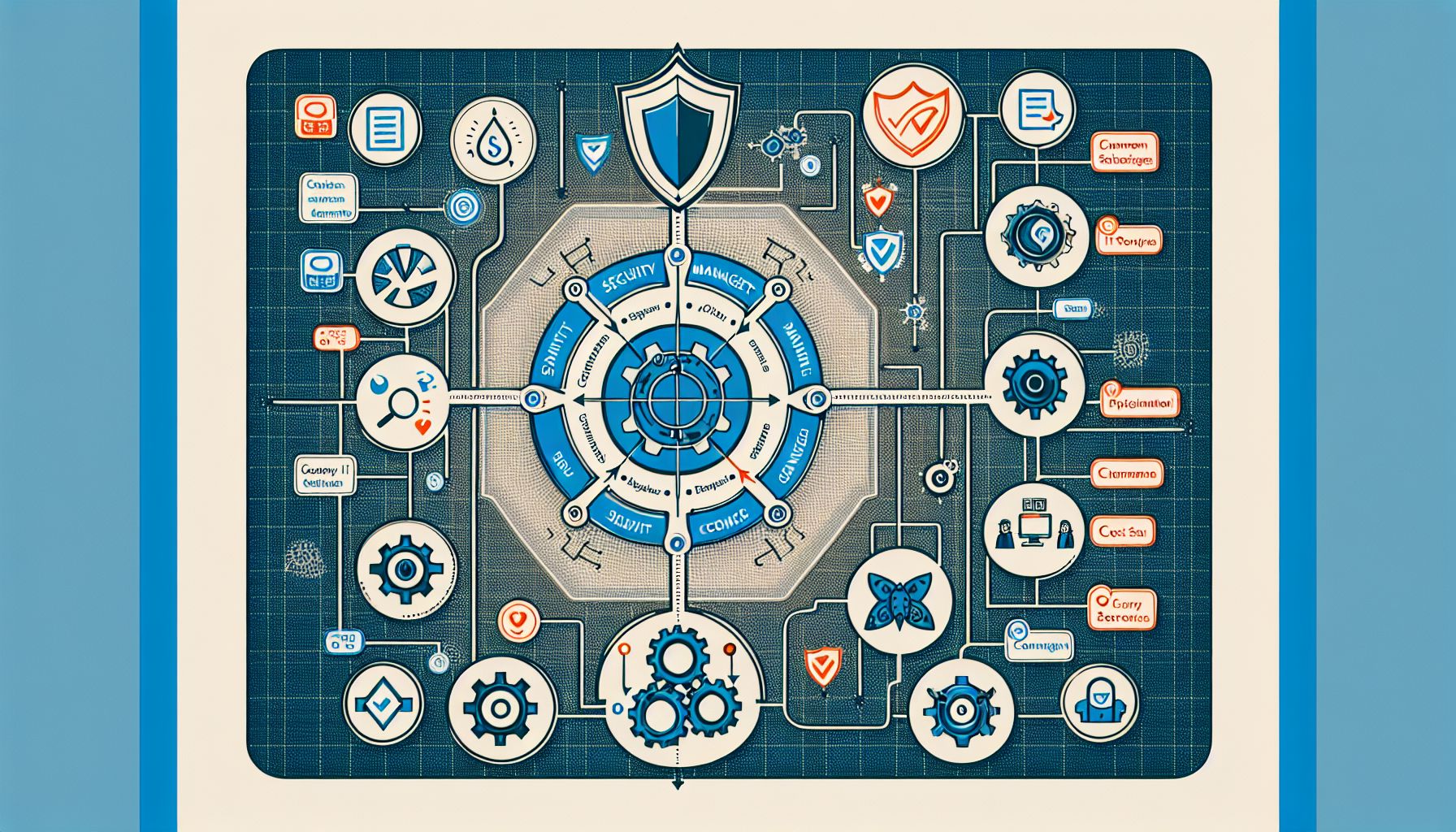
By carefully evaluating Jamf competitors, you can find the right device management solution that perfectly fits your organization’s needs.