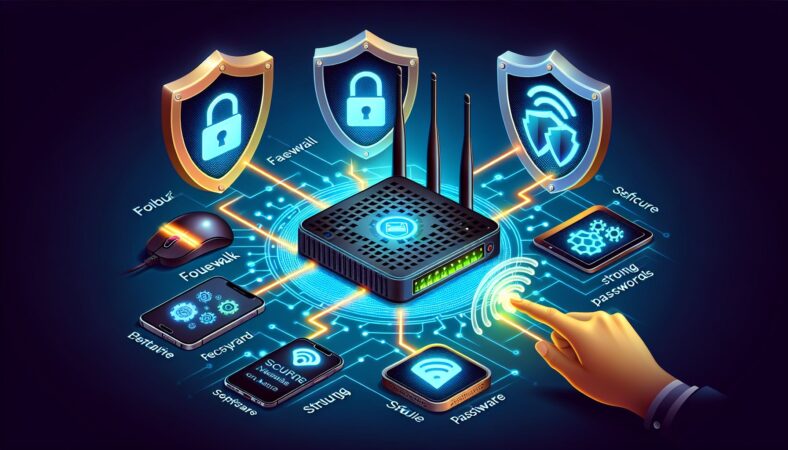
In today’s digital age, cybersecurity for routers is crucial. Routers serve as the gateway to your network. If compromised, they can allow hackers easy access to your personal information and connected devices. Here are essential measures to enhance the security of your router.
Change Default Login Credentials
Most routers come with default usernames and passwords. Cybercriminals often know these defaults. Change these credentials immediately after setting up your router. Choose strong passwords that include letters, numbers, and special characters. Avoid using easily guessed information like birthdays or common words.
Enable WPA3 Encryption
Wireless networks are vulnerable to attacks if not properly secured. Use WPA3 encryption to protect your Wi-Fi. WPA3 is the latest security protocol for wireless networks. It offers stronger data protection and enhanced security features. If your router does not support WPA3, use WPA2 as a minimum.
Update Router Firmware Regularly
Router manufacturers frequently release firmware updates. These updates fix security vulnerabilities and improve performance. Regularly check your router’s firmware version and update it. Enable automatic updates if your router supports this feature. Keeping firmware current is a simple way to enhance router security.
Disable Remote Management
Remote management allows access to your router’s settings from outside your home network. This feature can be convenient but poses security risks. Disable remote management unless you need it. If you do use it, ensure that a strong password protects it.
Create a Separate Network for Guests
Allowing guests to connect to your Wi-Fi can expose your network. Create a separate guest network for visitors. This keeps your main network and devices secure from potential threats. Most routers have an option to set up a guest network, which is easy to configure.
Disable WPS
Wi-Fi Protected Setup (WPS) is a feature that simplifies connecting devices to your network. Unfortunately, WPS can also create security loopholes. Disable WPS to prevent unauthorized access. This step is essential for maintaining tight security on your network.
Monitor Connected Devices
Regularly review the devices connected to your router. Look for unfamiliar devices and take action if needed. Most routers have an interface where you can view connected devices. If you find unauthorized devices, immediately change your Wi-Fi password and disconnect the device.
Enable a Firewall
Most routers come with a built-in firewall. Ensure this feature is enabled. A firewall acts as a barrier between your network and potential threats. It monitors incoming and outgoing traffic, providing an additional layer of security.
Use Strong Passwords for Connected Devices
All devices on your network should have strong passwords. This includes computers, smartphones, and smart home devices. Weak passwords can allow hackers to access your network. Ensure that each device uses a unique password to enhance security.
Disable Unnecessary Features
Routers often come with various features, not all of which you need. Disable features like file sharing, print server options, and unused services. Reducing the number of open ports on your router decreases the potential for vulnerabilities.
Regularly Review Security Settings
Regularly audit your router’s security settings. Check the list of connected devices, encryption protocols, and firewall status. Ensure everything is configured correctly and up to date. A proactive approach to security can prevent many issues before they arise.
Invest in Additional Security Tools
Consider using additional security tools to protect your network further. VPNs encrypt your internet traffic, making it safer. Antivirus software provides an extra layer of protection against malware. Network monitoring tools can help detect suspicious activity on your devices.
Educate Household Members
Everyone in your household plays a role in maintaining cybersecurity. Educate family members about safe online practices. Discuss the importance of strong passwords and recognizing phishing attacks. Encourage them to report any suspicious activity.
Regularly Reset Your Router
Regularly resetting your router can help maintain its performance and security. A reset clears temporary settings and can help remove any malware that may have infiltrated your device. Schedule a reset every few months to ensure your router runs smoothly.
Backup Your Router Settings
Before making significant changes, back up your router settings. This provides an easy way to restore your configurations if something goes wrong. Most routers have an option in the settings menu to save a backup file.
Conclusion
Implementing proper cybersecurity for routers is vital in today’s connected world. By following these essential measures, you can protect your network and personal information. Consistent and proactive steps will significantly reduce your risk of cyber threats. Take charge of your router security today.
Router security is not just a one-time task. It requires ongoing attention and regular updates. By fostering good habits and maintaining awareness, you protect your home network and enhance your overall online security. Stay vigilant and keep your digital life secure.